Keyboard games that work on any laptop
Every game on this page plays entirely from the keyboard — arrow keys or WASD for movement, Space or Enter for actions, with the full control list published in each game's guide. A pointer and touch always work too, but nothing here requires precise mouse aim, right-clicks, or drag gestures.
That makes these games a good fit for school and work Chromebooks, laptops without a mouse, and anyone who finds trackpad gaming miserable. They load instantly in the browser with no download, no account, and no install permissions needed — see the safety and compatibility facts for exactly what runs and what is stored.
All 16 are quiet-ready: fully playable muted, with no sound cues required to succeed. Sound starts muted by default, so opening one in a quiet room gives nothing away.
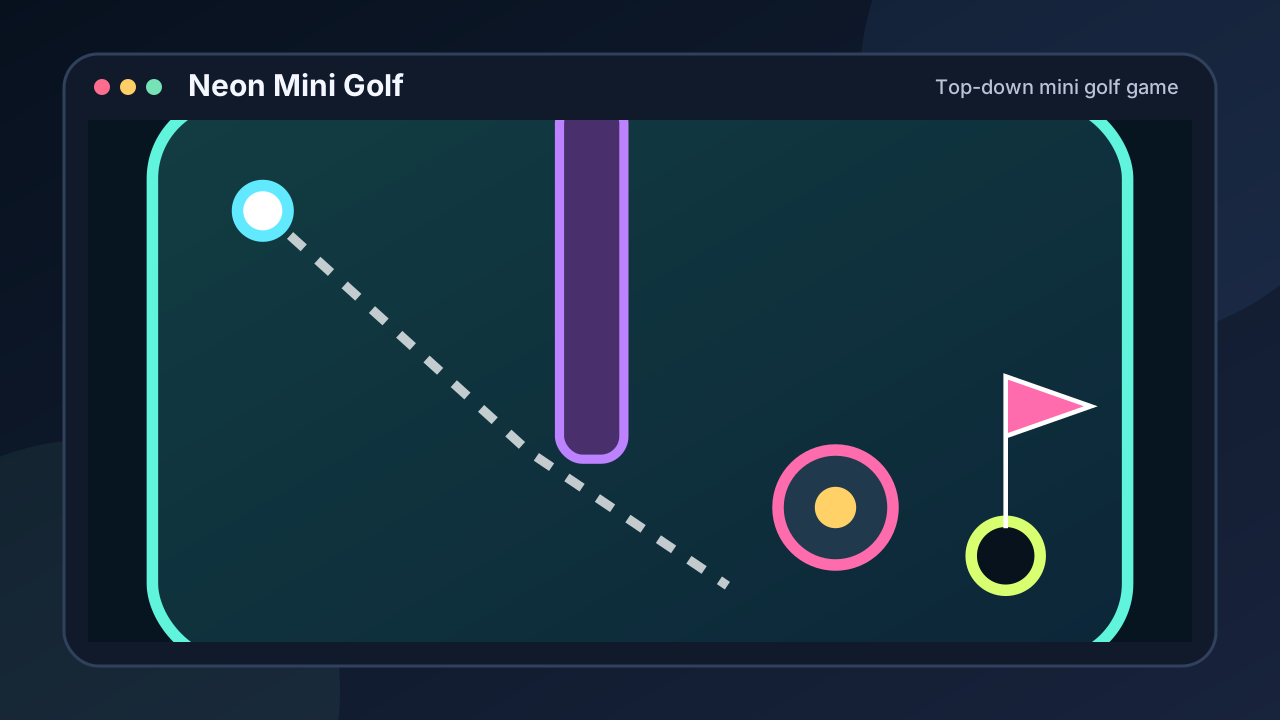
Neon Mini Golf
Top-down mini golf game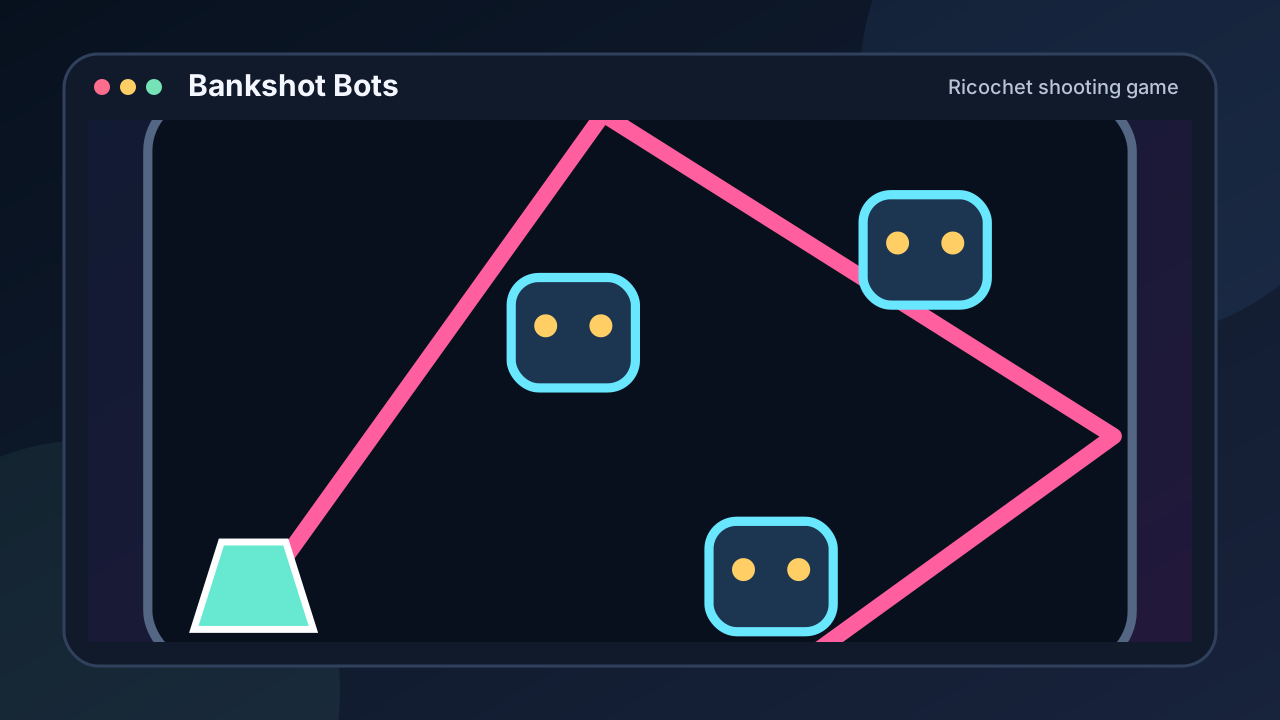
Bankshot Bots
Ricochet shooting game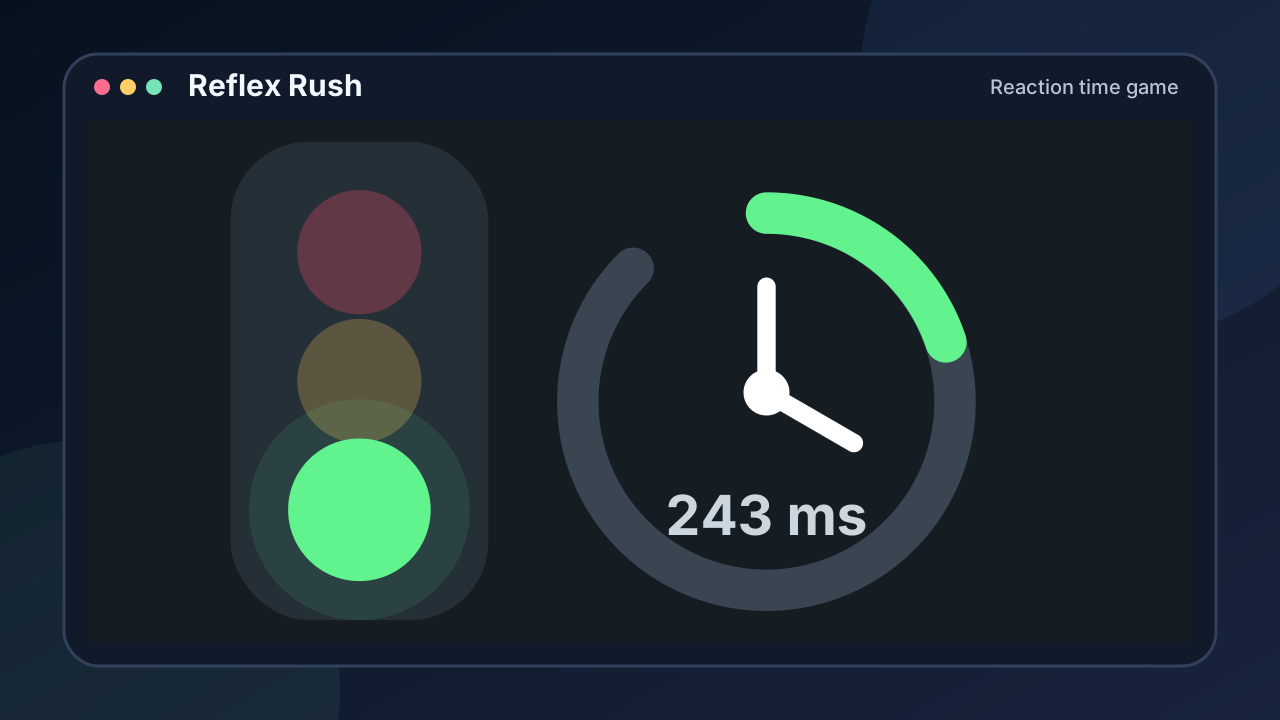
Reflex Rush
Reaction time game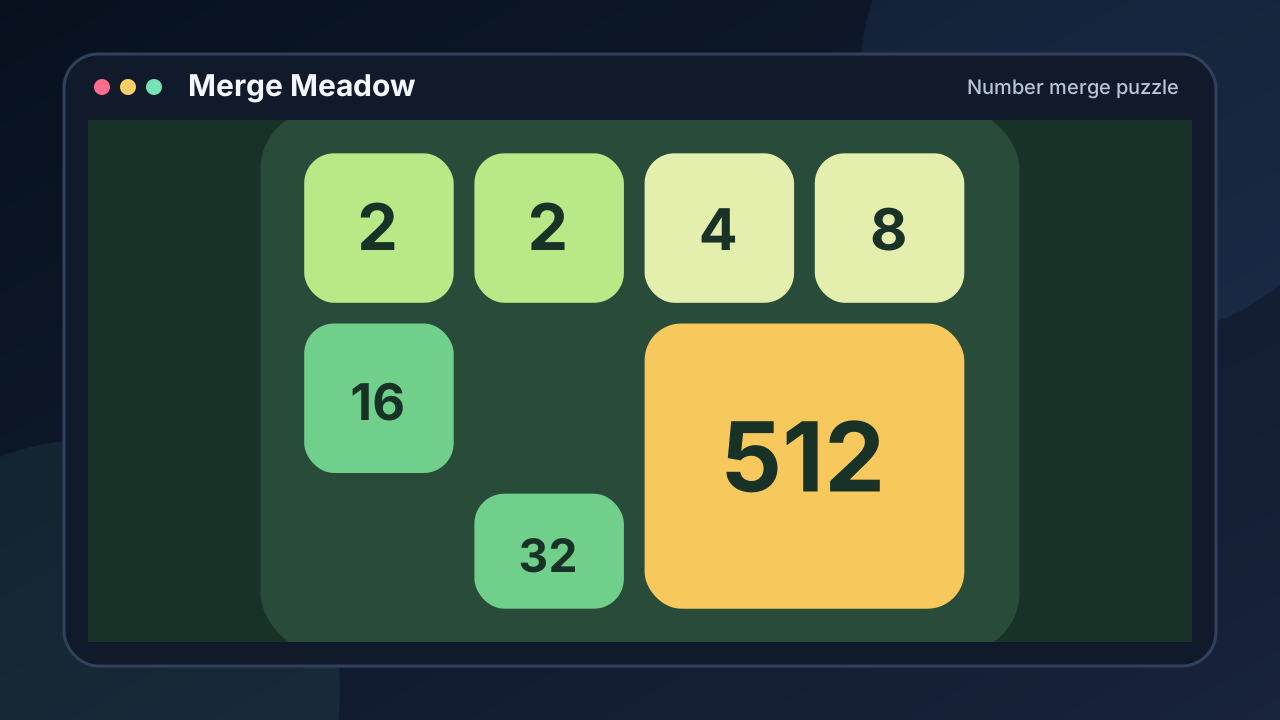
Merge Meadow
Number merge puzzle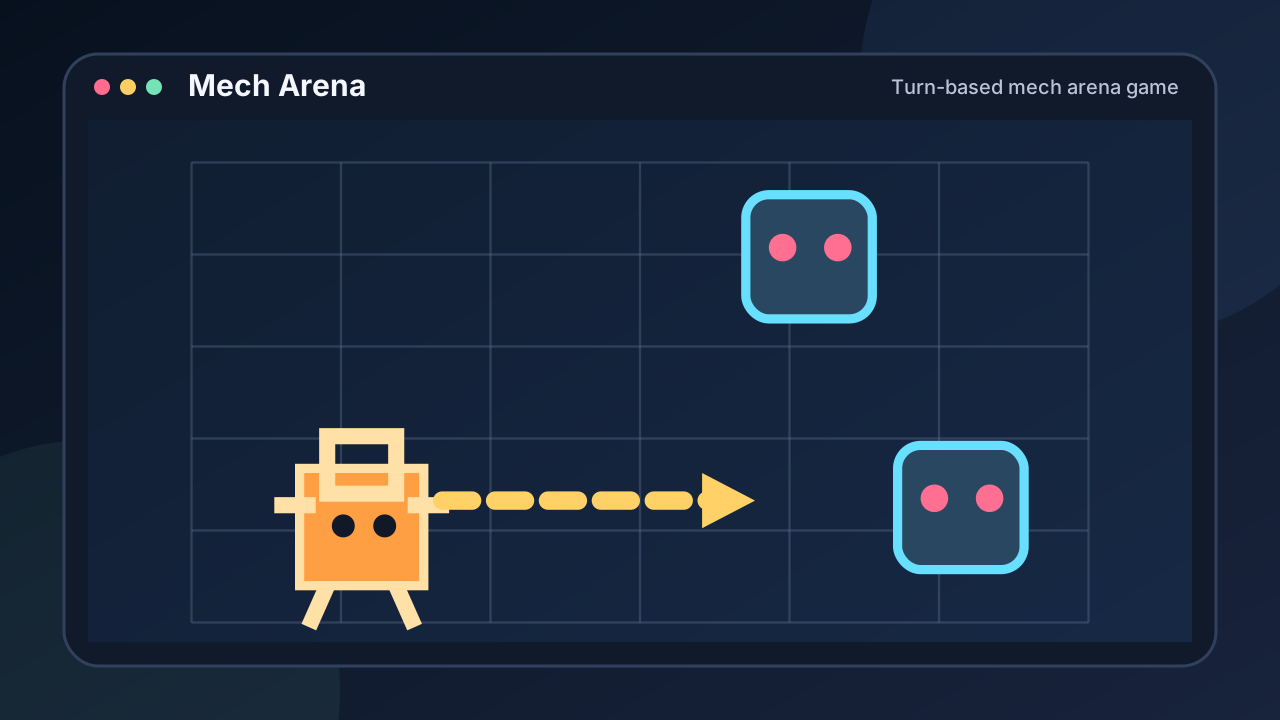
Mech Arena
Turn-based mech arena game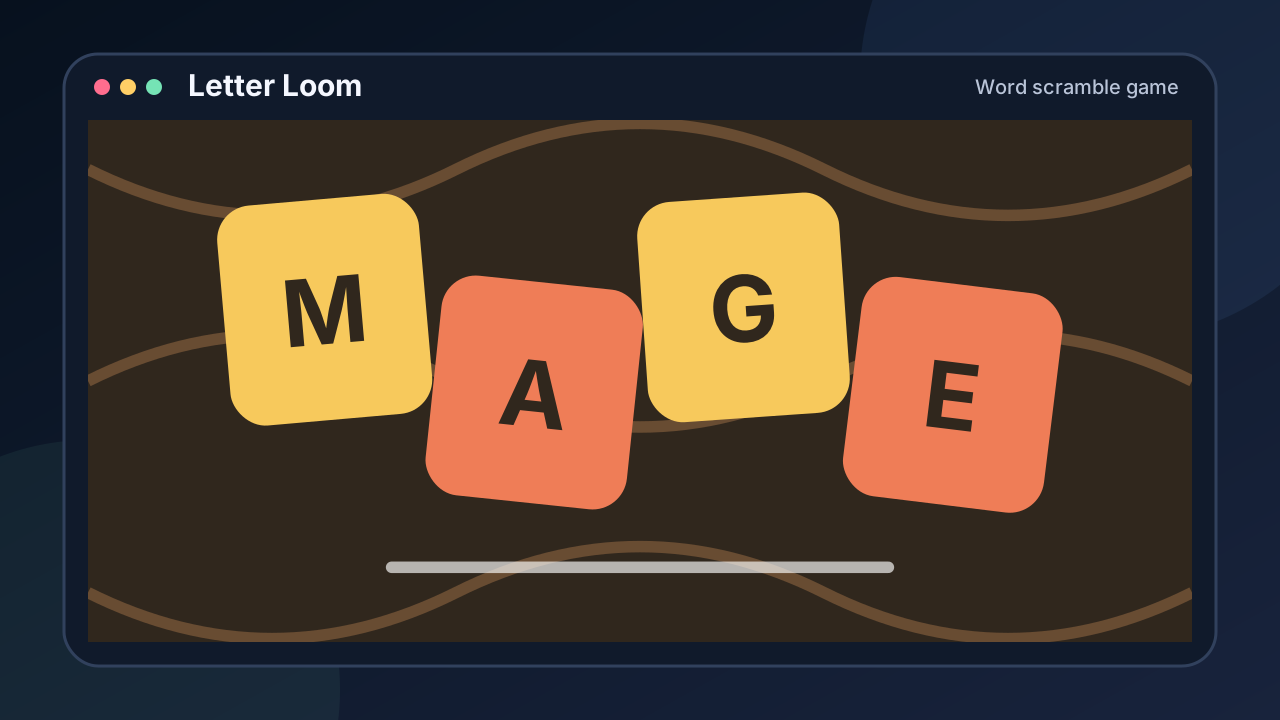
Letter Loom
Word scramble game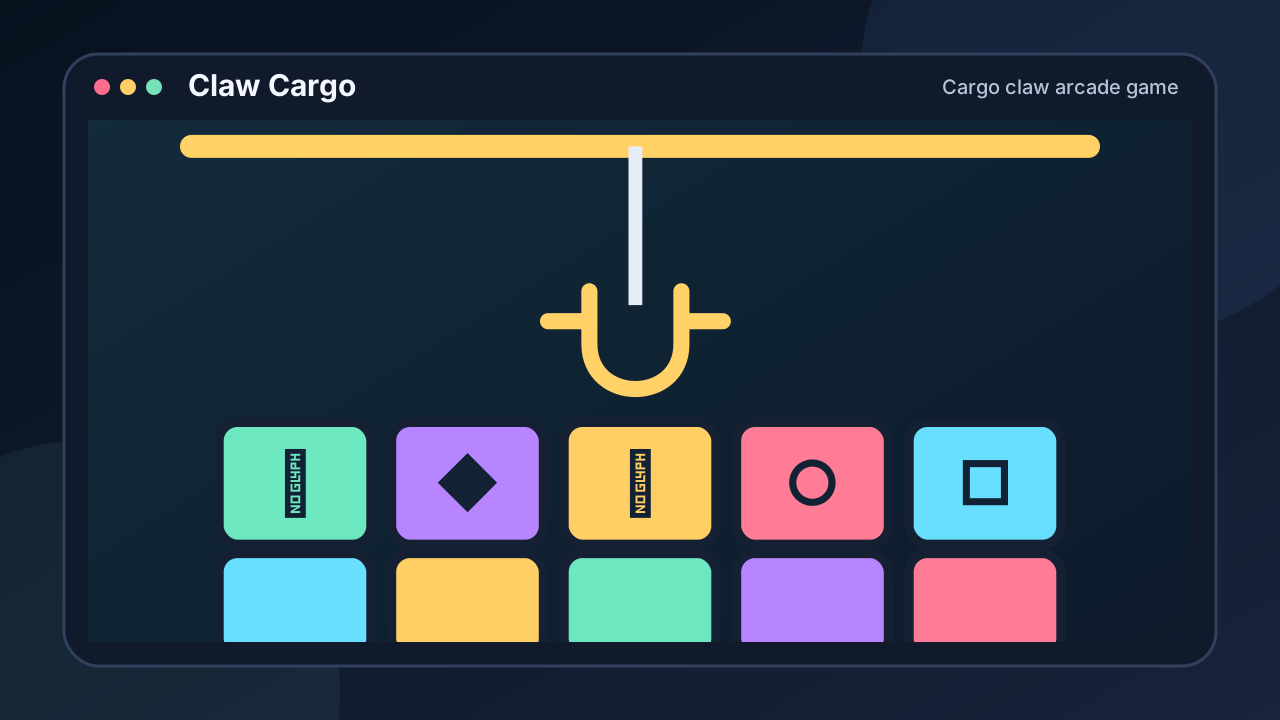
Claw Cargo
Cargo claw arcade game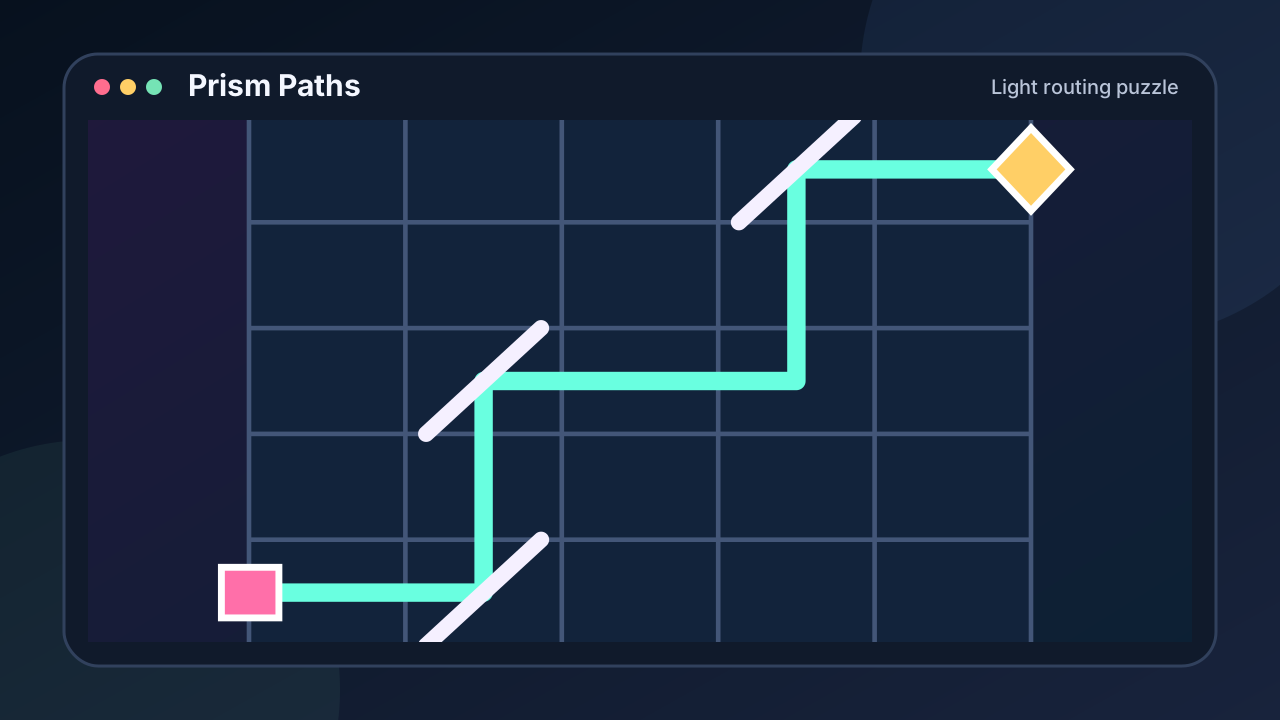
Prism Paths
Light routing puzzle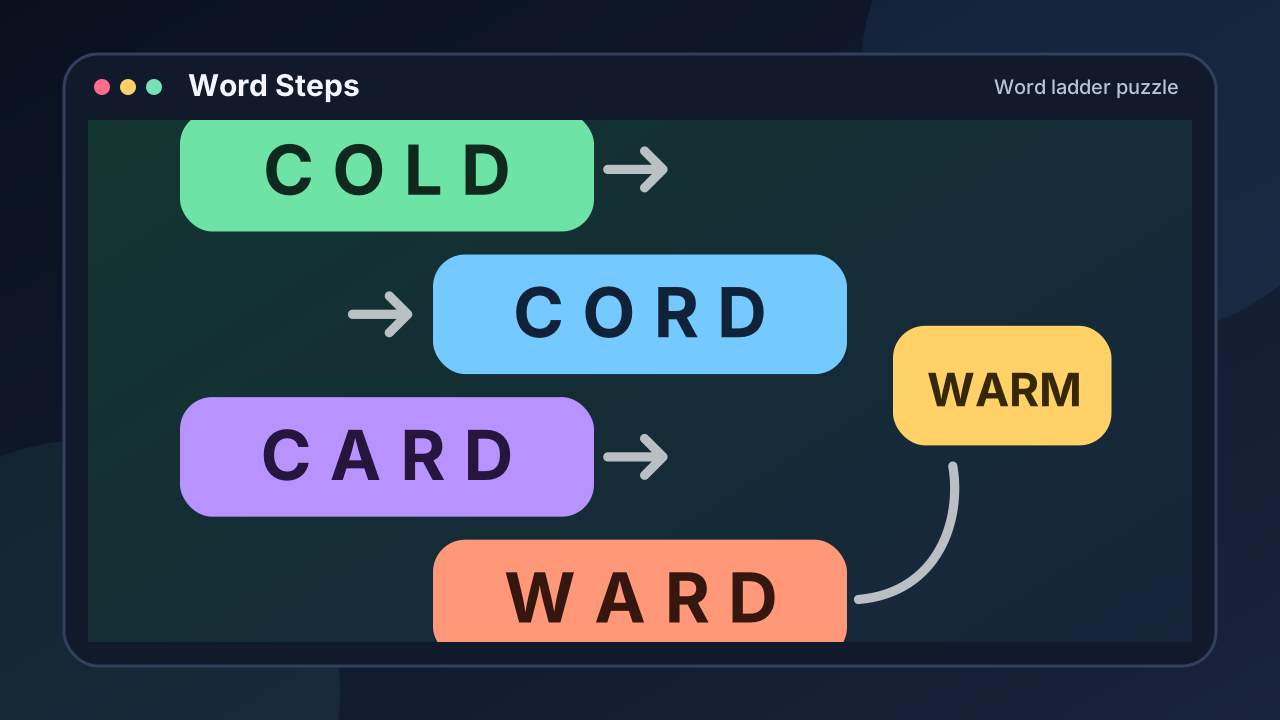
Word Steps
Word ladder puzzle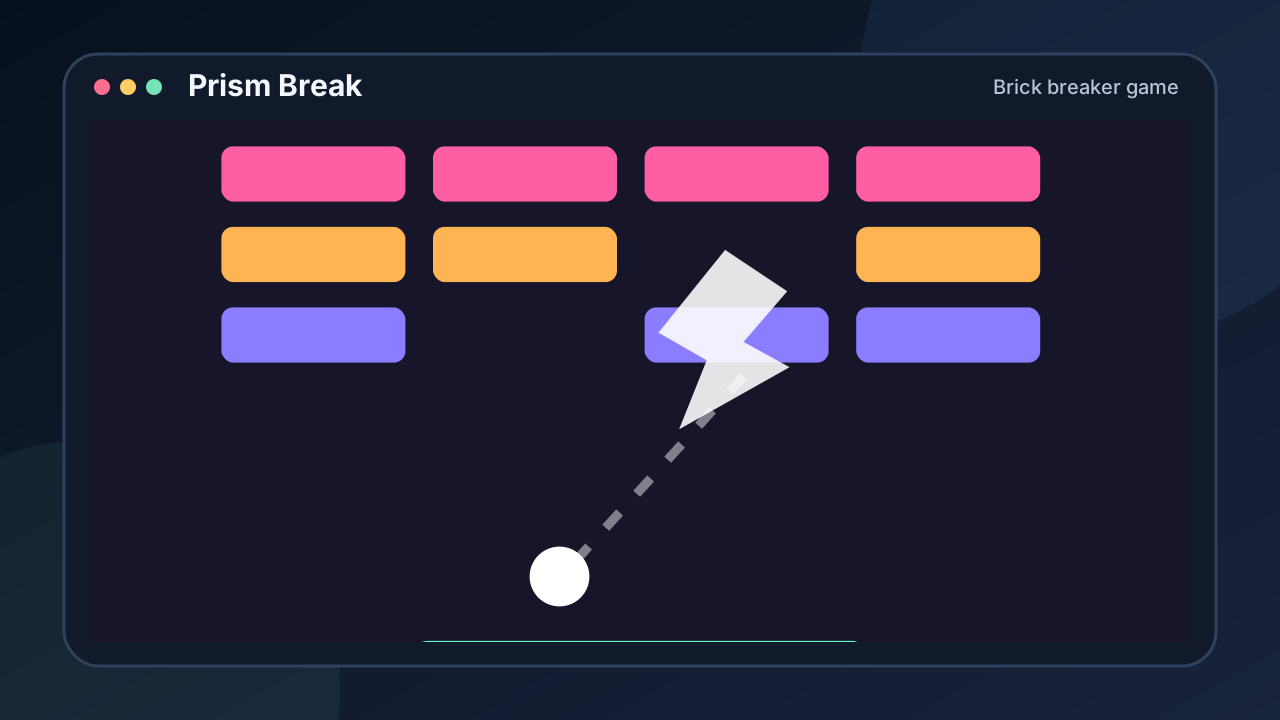
Prism Break
Brick breaker game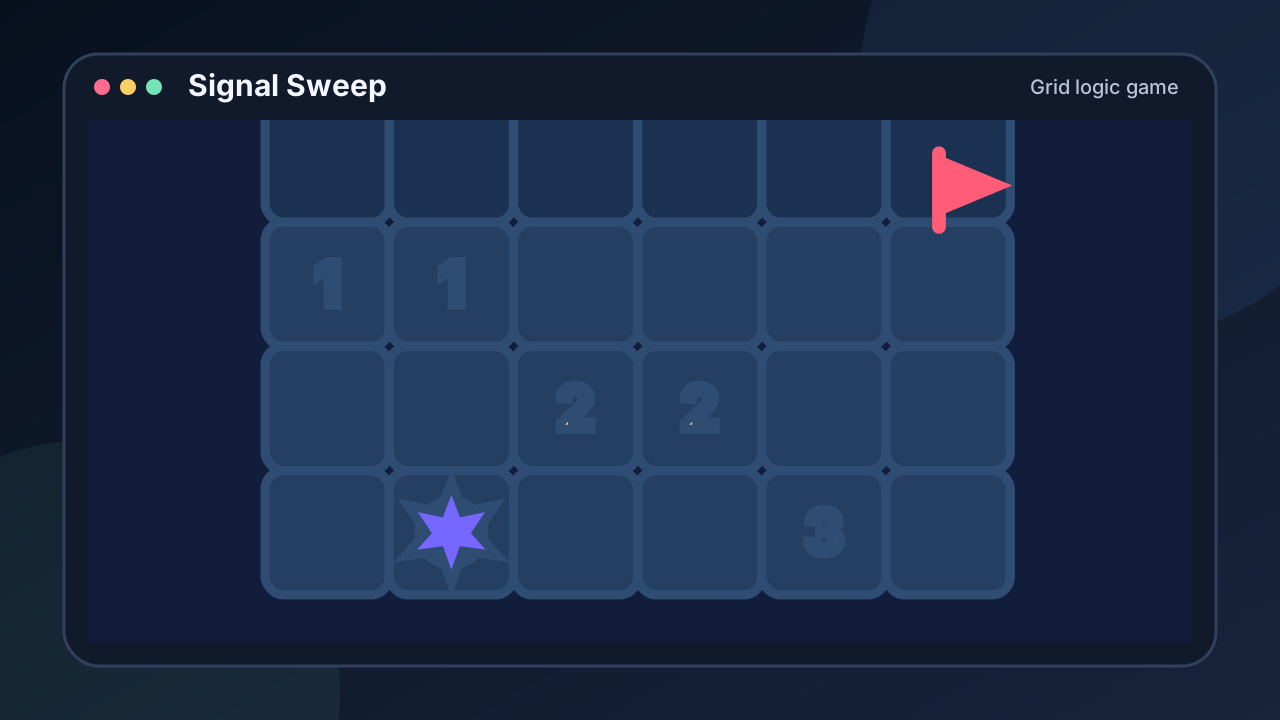
Signal Sweep
Grid logic game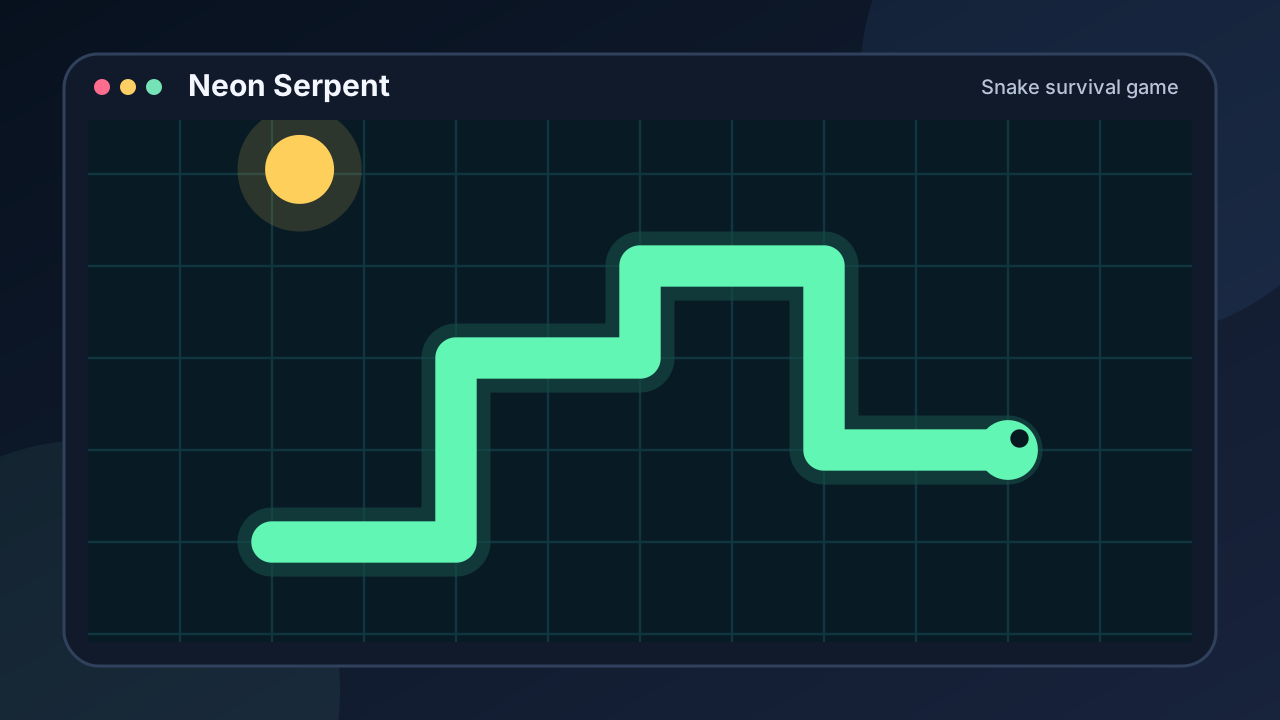
Neon Serpent
Snake survival game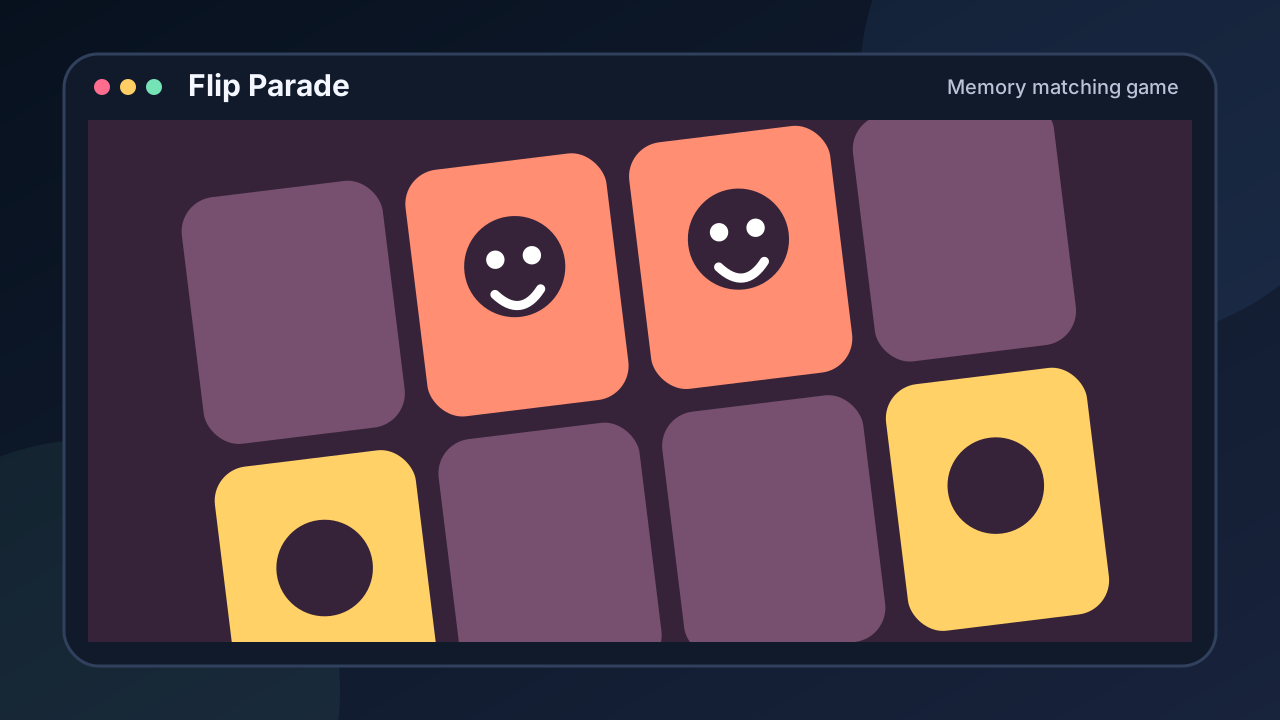
Flip Parade
Memory matching game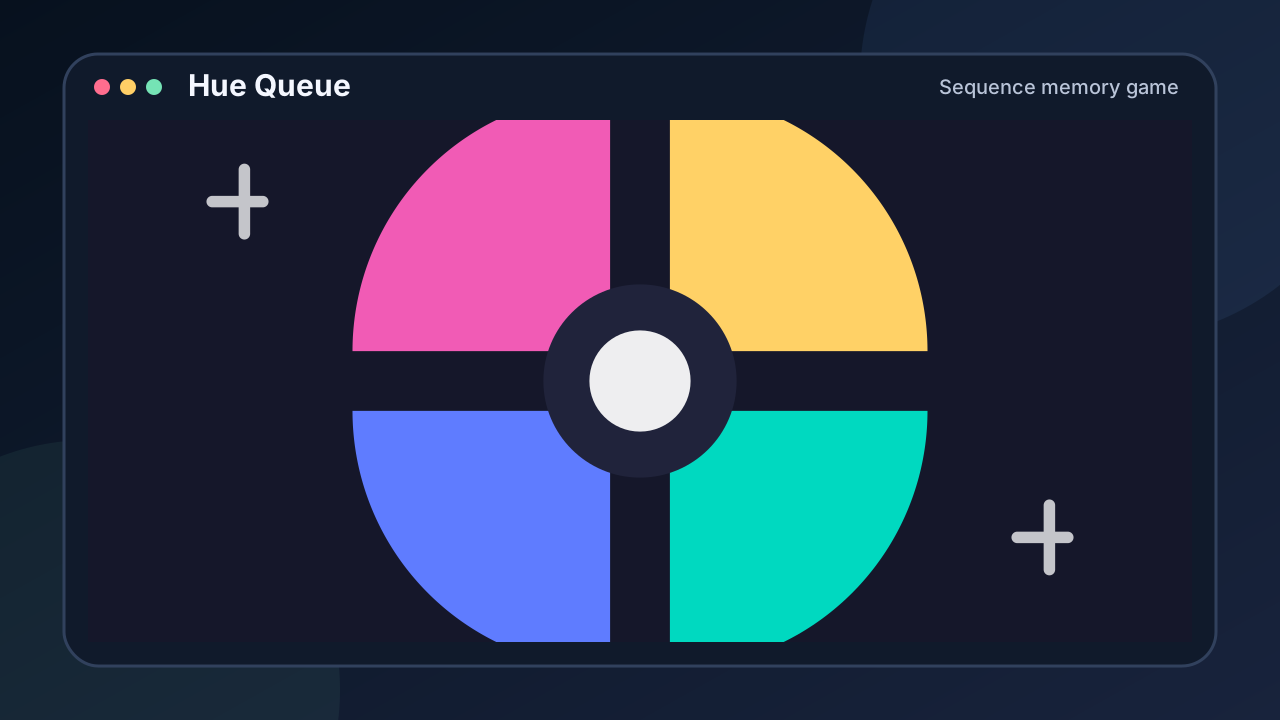
Hue Queue
Sequence memory game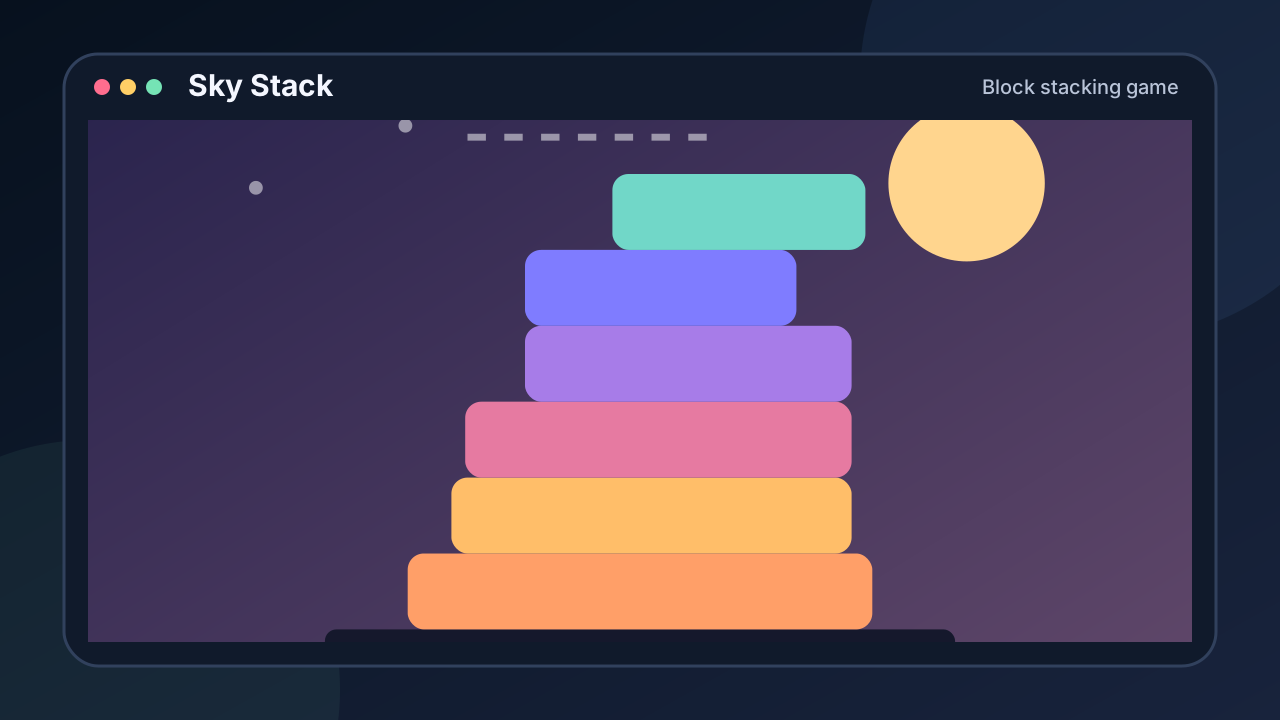
Sky Stack
Block stacking game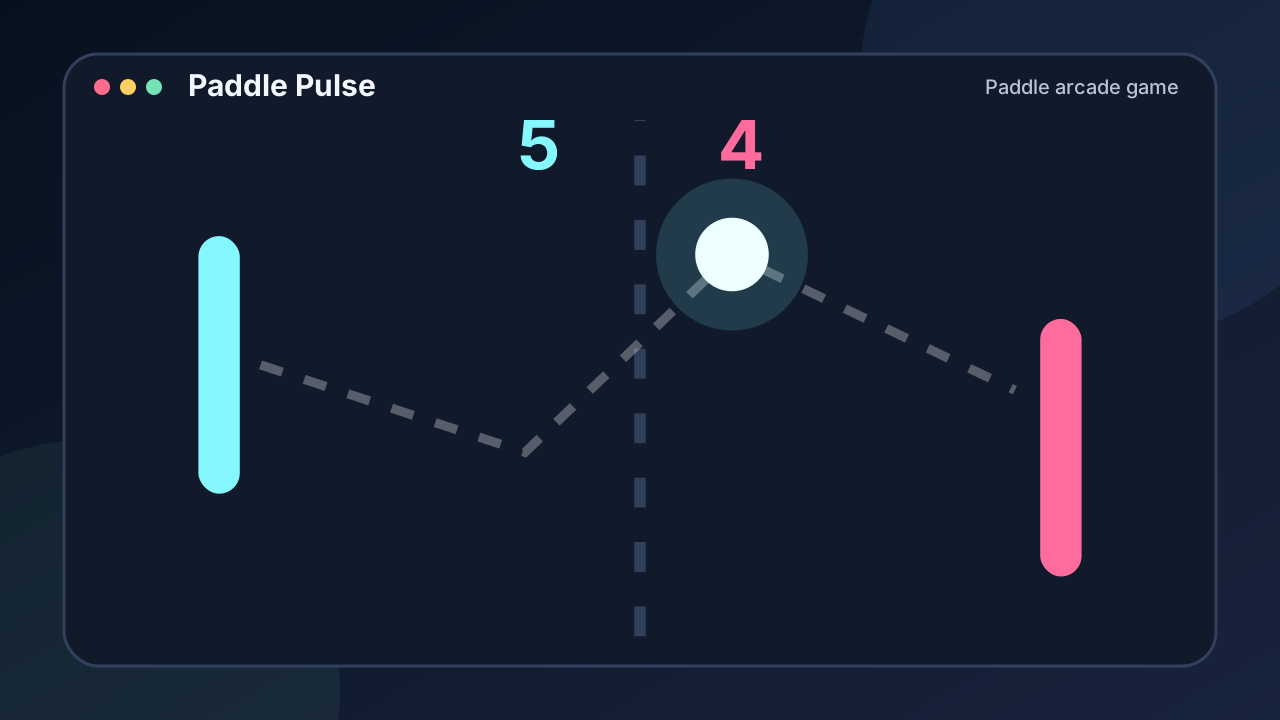
Paddle Pulse
Paddle arcade gameCommon questions
Do these games need a mouse?
No. Every game on this page is fully playable from the keyboard alone — arrow keys or WASD plus Space or Enter. A trackpad, mouse, or touch screen works as an alternative, never a requirement.
Will they run on a managed school or work Chromebook?
They are plain browser pages: no download, no extension, no install permissions, and no service worker. If the browser can reach the site, the games run. Each game stores progress locally in that browser.
Which keys do the games use?
Movement uses the arrow keys or WASD; actions use Space and Enter; a few games use number keys or letters, always listed in the Controls table on the game page. P or Escape pauses real-time games.
Can I play with the sound off?
Yes. Sound starts muted by default and every game here is quiet-ready — no audio cue is ever required to play well.
Browse more: Quick games · Puzzle games · Daily challenge · Arcade · Free Casino